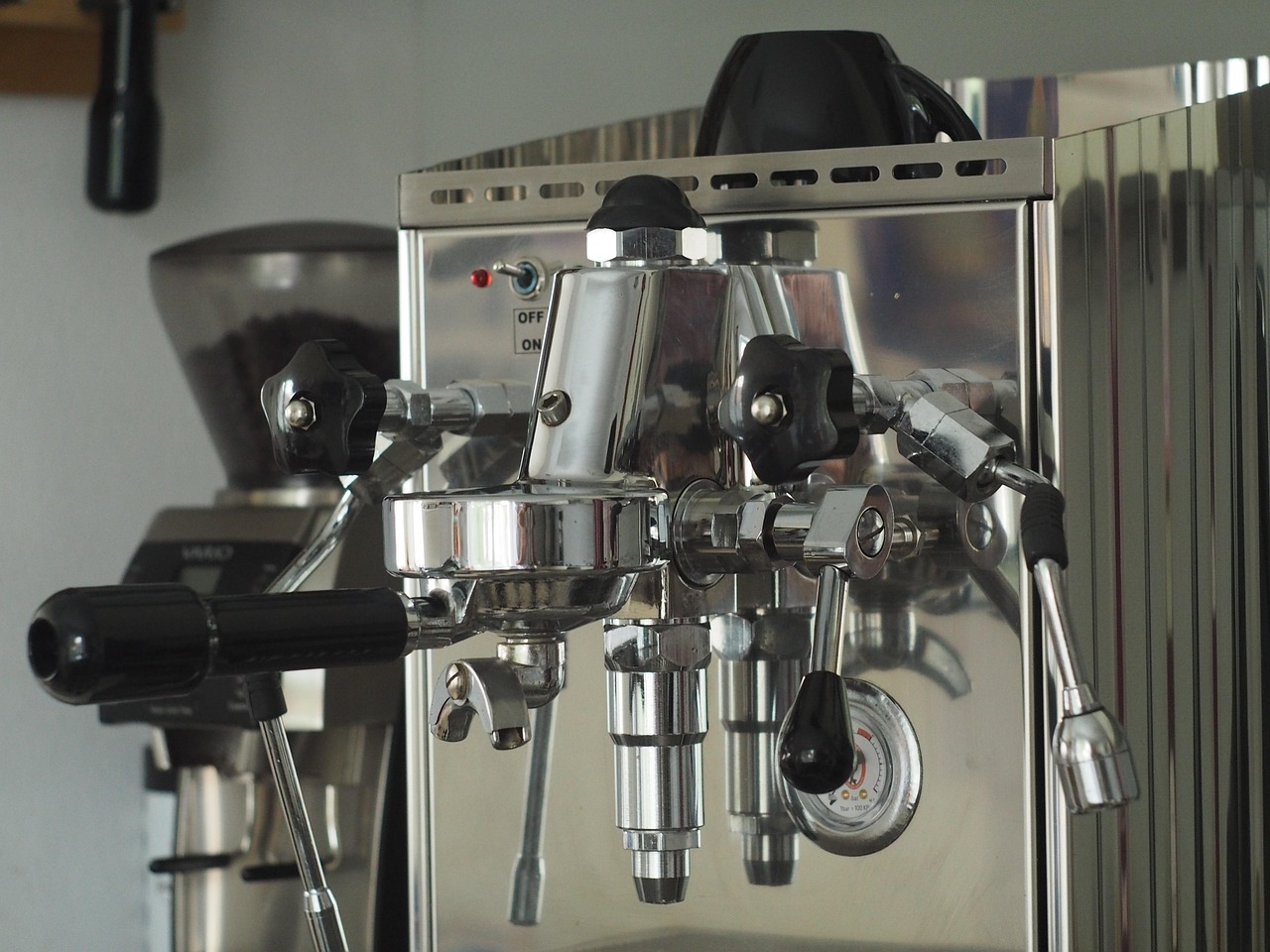
How to Reset a Saeco Espresso Machine
How to Reset Your Saeco Espresso Machine: A Comprehensive Guide
Owning a Saeco espresso machine brings the delight of barista-quality coffee into your home. However, like any complex appliance, occasional glitches can occur, leaving you longing for your daily caffeine fix. One of the most effective first steps in troubleshooting common issues is performing a reset. This guide provides a detailed walkthrough of how to reset your Saeco coffee machine, covering various models and scenarios, ensuring you can confidently restore your machine to optimal working order.
Why Reset Your Saeco Espresso Machine?
Before diving into the “how,” let’s understand the “why.” Resetting your Saeco espresso machine can resolve a multitude of problems, including:
- Error Messages: If your machine displays an error code that doesn’t clear after addressing the apparent issue (e.g., low water, empty bean hopper), a reset can often resolve the problem.
- Software Glitches: Like computers, espresso machines have software that can sometimes experience temporary glitches, affecting performance.
- Inconsistent Performance: Experiencing weak coffee, inconsistent brewing, or other performance irregularities? A reset can restore factory settings, potentially resolving these issues.
- After Descaling Issues: Sometimes, even after properly performing the descaling process, the machine may still indicate it needs descaling, requiring a reset.
- General Troubleshooting: As a first step in diagnosing and resolving a problem, a reset is a non-invasive way to rule out minor software or temporary malfunctions.
General Reset Procedure for Saeco Espresso Machines (Most Models)
While specific steps may slightly vary between models (check your user manual for the most accurate instructions), the following general procedure applies to many Saeco espresso machines:
- Turn off the Machine: Completely power down your Saeco espresso machine by pressing the power button. Ensure all lights are off.
- Unplug the Machine: For a hard reset, disconnect the power cord from the wall socket. This ensures complete power loss to the machine’s internal components.
- Wait: Leave the machine unplugged for at least 15-20 minutes. This allows the machine’s capacitors to fully discharge and clears any residual memory.
- Plug the Machine Back In: Reconnect the power cord to the wall socket.
- Turn on the Machine: Press the power button to switch the machine back on.
- Observe: Carefully observe the display. The machine may go through a self-test or initialisation process.
- Test: Try brewing a test cup of coffee to see if the problem is resolved.
Model-Specific Reset Instructions
While the general reset procedure works for many models, some Saeco machines have specific reset routines:
Saeco Xelsis
The Saeco Xelsis series often benefits from a slightly different approach. In some cases, simply unplugging and waiting is sufficient. However, if the issue persists, try navigating the menu to find a “Factory Reset” or “Restore to Default Settings” option. The exact menu location varies depending on the specific sub-model (e.g., Xelsis Suprema, Xelsis Evo). Consult your user manual for precise instructions. If your Saeco Xelsis is still not making coffee after a reset, further troubleshooting may be required.
Saeco PicoBaristo
For the Saeco PicoBaristo, the reset method is usually the general one described above: power off, unplug, wait, plug back in, and power on. If you’re experiencing issues with the descaling light remaining on even after descaling, ensure you followed the descaling instructions meticulously. Sometimes, repeating the descaling program and then performing a reset can clear the indicator.
Saeco Incanto
The Saeco Incanto typically responds well to the general reset procedure. Pay close attention during the restart phase to any error messages that may reappear. These errors can provide valuable clues to the underlying issue.
Saeco Minuto
Similar to the Incanto, the Saeco Minuto usually resets effectively with the standard unplugging method. If you’ve encountered water leaks, especially underneath the machine, resetting might not solve the underlying plumbing issue. You’ll need to investigate the source of the leak further after the reset.
Saeco GranBaristo
The GranBaristo, with its advanced features, may require a slightly longer unplugging period (up to 30 minutes) for a complete reset. Also, check the settings menu for options related to memory clearing or default restoration.
Saeco Royal
The Saeco Royal line, often found in office environments, benefits from the standard reset procedure. If you’re encountering issues with the brewing process, such as the machine failing to brew or producing weak coffee, a reset is a good starting point. If after the reset, your Saeco Royal is still not brewing, examine the grinder and other components.
Saeco Moltio
A reset is often helpful for troubleshooting issues with the Saeco Moltio. Issues with the steam wand may not be resolved by a reset if they derive from physical blockage.
Troubleshooting After a Reset: Common Issues and Solutions
Even after a successful reset, problems can persist, indicating a more complex issue. Here’s a breakdown of common problems and potential solutions:
- Grinder Issues:
- Problem: Machine makes loud noises, produces no coffee, or displays a “bean empty” message even when the hopper is full.
- Possible Causes: Clogged grinder, incorrect grinder settings, foreign object in the grinder.
- Solutions: Refer to specific instructions for your Saeco model for cleaning the grinder. Adjust the grinder settings to a coarser grind. Inspect the grinder for obstructions.
- Water Flow Problems:
- Problem: Weak coffee, no coffee, or slow dripping.
- Possible Causes: Air lock, clogged filter, limescale buildup, faulty pump.
- Solutions: Prime the pump (refer to your manual). Descale the machine thoroughly. Check and clean the filter.
- Brew Group Issues:
- Problem: Error messages related to the brew group, inability to remove or insert the brew group.
- Possible Causes: Stuck brew group, lack of lubrication, damaged components.
- Solutions: Carefully clean and lubricate the brew group with food-safe lubricant. Ensure the brew group is properly aligned when reinserting it. Consult your manual for specific instructions.
- Limescale Problems:
- Problem: Machine requires frequent descaling, coffee tastes bitter, water flow is restricted.
- Possible Causes: Hard water, infrequent descaling.
- Solutions: Use filtered water. Descale the machine regularly using a Saeco-approved descaling solution. Consider adjusting the water hardness setting on your machine.
- Display Issues:
- Problem: Blank display, error messages that won’t clear, flickering screen.
- Possible Causes: Loose connections, faulty display module, software glitches.
- Solutions:Try a reset. If the problem persists, the display module may require professional repair.
- Milk Frothing Issues:
- Problem: Unable to froth milk effectively, steam wand not working.
- Possible Causes: Blocked steam wand, insufficient steam pressure, incorrect milk type.
- Solutions: Clean the steam wand thoroughly after each use. Use cold, fresh milk with a high fat content. Descale the machine.
Preventative Maintenance: Keeping Your Saeco Machine Running Smoothly
While resets can resolve many minor issues, preventative maintenance is key to extending the life of your Saeco espresso machine and minimizing problems. Here are some essential maintenance tips:
- Regular Descaling: Descale your machine regularly, following the manufacturer’s instructions. The frequency depends on the hardness of your water. Hard water areas in the UK will require more frequent descaling.
- Clean the Brew Group: Remove and clean the brew group regularly (usually once a week) as per your machine’s instructions. This prevents coffee residue buildup and ensures smooth operation.
- Clean the Milk Frother: Clean the milk frother after each use to prevent milk residue from clogging the system.
- Use Filtered Water: Using filtered water reduces limescale buildup and improves the taste of your coffee.
- Empty Drip Tray and Grounds Container: Empty the drip tray and grounds container regularly to prevent overflow and unpleasant odours.
- Use Quality Coffee Beans: Avoid oily or caramelised coffee beans, as these can clog the grinder.
When to Seek Professional Help
If you’ve tried resetting your Saeco espresso machine and troubleshooting common issues, and the problem persists, it’s time to consult a qualified technician. Attempting to repair complex internal components yourself can cause further damage and void your warranty. Signs that professional help is needed include:
- Persistent error messages that you can’t resolve.
- Unusual noises coming from the machine.
- Water leaks inside the machine.
- Electrical issues.
- Damage to internal components.
Conclusion
Resetting your Saeco espresso machine is a simple yet powerful troubleshooting technique that can resolve many common issues. By following the steps outlined in this guide and practicing regular preventative maintenance, you can keep your machine running smoothly and enjoy delicious espresso for years to come. Remember to always consult your user manual for specific instructions and safety precautions related to your particular Saeco model. If you’re still facing difficulties, don’t hesitate to seek professional assistance from a qualified appliance repair technician.